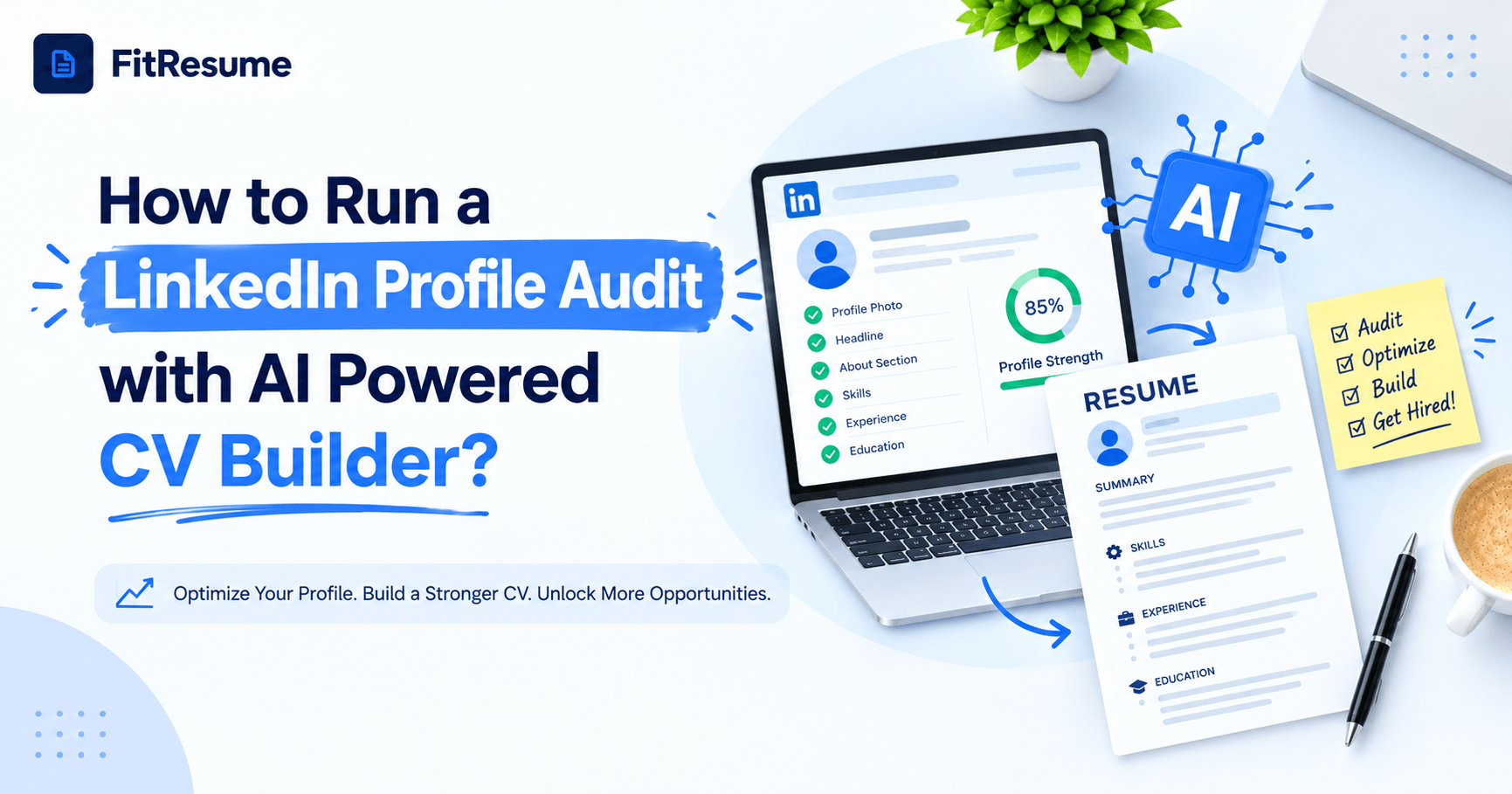
Your LinkedIn profile is usually the first place a recruiter looks after reading your resume. If the two do not match, trust drops within seconds. An AI-powered CV builder fixes this by comparing your resume with your online presence and flagging gaps in keywords, tone and achievements. Instead of guessing what to change, you receive clear, data-backed suggestions. This guide explains how the process works, which sections to check, and how to apply your findings across LinkedIn and Indian job portals so that you attract more recruiter views and more interview calls.
Why Your CV and LinkedIn Profile Must Match?
Recruiters rarely judge one document alone. They read your resume, search your name online, and compare what they find. A different job title, a missing project or conflicting dates can make a hiring manager question which version is accurate. Consistency signals honesty, and honesty speeds up shortlisting.
What Recruiters Notice First?
Your headline, current role and the first two lines of your About section appear before anyone clicks to read more. If those lines are vague, most visitors leave. Recruiter search also depends on keywords. If your profile lacks the terms used in job descriptions, you may never appear in the results at all.
The Hidden Cost of Inconsistency
Many professionals update their resume for every application but leave LinkedIn untouched for years. Slowly, the two documents drift apart. The cost is quiet but real: fewer recruiter messages, lower search visibility and weaker credibility. A structured review fixes the problem before it affects your job search.
How to Audit Your LinkedIn Profile Using an AI-Powered CV Builder?
A manual check can take hours and often depends on personal opinion. Artificial intelligence makes the review faster and more objective. Follow these three steps to get reliable results.
Step 1: Build Your Master CV
Start with a clean, ATS-friendly resume. A good AI-powered CV builder organises your roles, skills and achievements in one place, then rewrites weak bullet points with measurable results. This polished CV becomes the benchmark for everything that follows, because your online profile should reflect the same strengths, numbers and career direction.
Step 2: Score Your Headline, About Section and Skills
Next, compare each LinkedIn section with your CV. Does your headline say more than a job title? Does your About section open with a clear value statement? Do your top skills match what employers ask for? The LinkedIn Profile Review tool gives a score out of 100 and shows which sections need the most attention, so you can fix the biggest problems first.
Step 3: Close the Keyword Gaps
Paste a target job description into a keyword matching tool and see which terms you are missing. Add them naturally to your headline, About section, experience entries and skills list. Avoid stuffing; use each term only where it fits the context. Repeat this LinkedIn profile audit every quarter, or whenever you start targeting a new role, so your profile never falls behind your resume.
Naukri Profile Optimization Based on Your Audit Results
Indian job seekers rarely depend on LinkedIn alone. Naukri remains a primary hunting ground for recruiters in IT, banking, sales, operations and many other fields. The good news is that the work you complete during your audit carries over directly.
Reuse Your Strongest Keywords
Naukri search relies heavily on keyword matches across your resume headline, key skills and profile summary. Take the keyword list from your LinkedIn review and place those terms in each of these fields. Use the exact job titles and tools that appear in postings for the roles you want.
Keep Your Details Accurate and Fresh
Total experience, notice period, current CTC and location should be correct and consistent with your CV. Refresh your profile often, because recent activity can improve how frequently you appear in recruiter searches. These small adjustments are the practical side of Naukri profile optimization, and they take only minutes once your resume is ready.
What Makes the Best AI CV Builder for Profile Audits?
Not every tool is designed for this job. When you compare options, look for features that connect your resume with your online presence. A strong platform should offer:
ATS-friendly templates that parsing software can read without errors
A live resume score that shows exactly what to improve
AI bullet rewriting that adds numbers and business impact
A LinkedIn review covering headline, About section and skills
Keyword gap analysis against any job description
Clean PDF export and a shareable link for recruiters
Why One Connected Platform Wins?
Separate tools create separate versions of you. When a single platform handles your resume, profile review and keyword matching, your story stays consistent everywhere. FitRezume brings these features together so students, freshers and working professionals can move from a blank page to an application-ready profile without juggling several apps. That is why many job seekers call the best AI CV builder the one that supports the full job search, not just formatting.
Getting Started with a Our Free AI Resume Builder
Cost should never block your career progress. A free AI resume builder lets you test the whole process before paying anything. You can create your CV, check your ATS score and run a basic headline review at no cost, then upgrade only if you need deeper features.
A Simple Routine You Can Follow
Create your CV first, then review your LinkedIn headline and About section against it. Add missing keywords, update Naukri with the same terms, and test your resume against a real job description before you apply. Set a calendar reminder to repeat the cycle every three months.
Common Mistakes to Avoid
Do not copy your resume word for word into LinkedIn, because the platform rewards a more conversational tone. Do not ignore your skills section, since recruiters filter by it. Finally, never leave outdated roles or conflicting dates in place. Small errors reduce trust faster than most people realise.
Conclusion
A strong profile starts with a strong resume. By using an AI-powered CV builder as your benchmark, you can audit your online presence step by step, close keyword gaps and keep every platform consistent. Apply the same insights to Naukri, repeat the review each quarter and track how recruiter views change. FitRezume makes this routine simple by putting your CV, profile review and keyword tools in one place. Start today, and let your profile work as hard as you do.
Frequently Asked Questions
Can an AI tool really review my LinkedIn profile?
Yes, it scores your headline, About section and skills, then suggests keyword and wording improvements.
How often should I update my LinkedIn profile?
Review it every three months and after any promotion, new skill or major project.
Should my Naukri profile match my LinkedIn profile?
Yes, keep titles, dates and skills consistent while adjusting keywords to each platform's search style.
What should my LinkedIn headline include?
Use your target role, two or three core skills and one measurable strength instead of only a job title.
Do recruiters check both my CV and LinkedIn?
Most do, so mismatched details can hurt your chances even when your resume is strong.