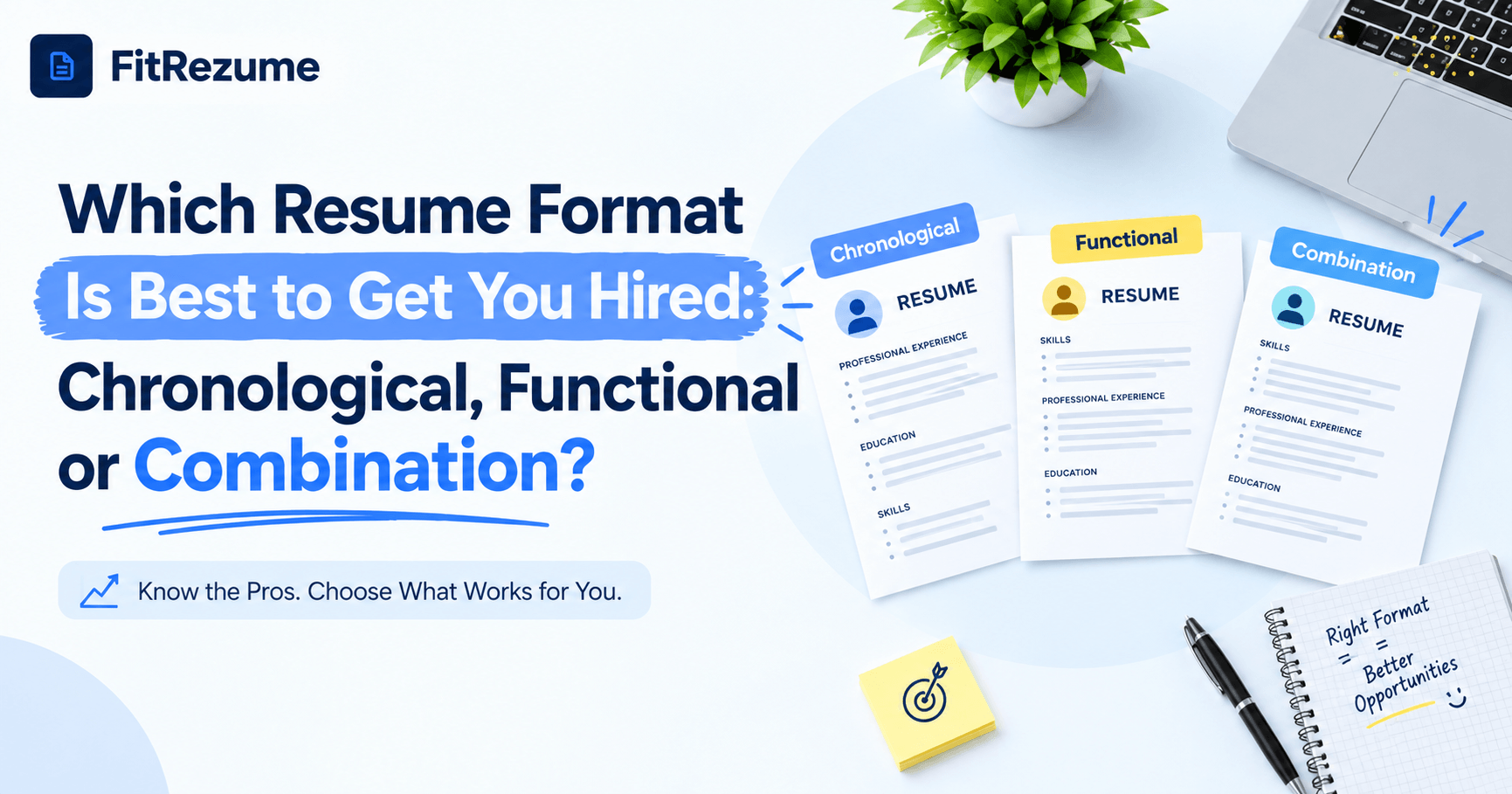
Choosing how to organize your experience can decide whether a recruiter keeps reading or moves on within seconds. Many job seekers spend hours polishing wording but never question the structure underneath it. This guide compares the best resume formats to get you hired, explains when each one works, and shows how to match a format to your career story. Whether you are a fresh graduate, a career changer, or a senior professional, you will leave with a clear answer and a simple way to test it before you apply.
The Best CV Layout: Chronological, Functional and Combination Compared
Three layouts dominate hiring today. Each one organizes the same facts in a different order, and that order changes what a reader notices first. Before you pick, it helps to understand how recruiters and screening software actually read a document.
How Recruiters and Software Read Your Resume?
Recruiters often spend only a few seconds on a first pass, scanning the top third of page one for a job title, recent employers, and a few relevant results. Applicant tracking systems read in a similar way. They look for standard headings, dates, and keywords in a predictable order. A layout that hides your dates or scrambles your job titles can confuse both audiences, which is why structure matters as much as content.
Chronological Format: The Familiar Favorite
The chronological format lists your jobs from newest to oldest, with achievements under each role. It is the most widely accepted layout and the one most screening software handles without trouble. It works best when you have steady career growth in one field, because it shows progress clearly. It struggles when you have long gaps, frequent job changes, or little experience, since those weaknesses become easy to spot.
Functional Format: Skills First, History Second
The functional format groups your abilities into skill categories and shrinks the work history to a short list. It can help people change careers or return after a break. The risk is serious, though. Many recruiters distrust it because it hides when and where you used each skill, and some tracking systems cannot connect your skills to real roles. Use it rarely, and only when a hybrid option cannot solve your problem.
Combination Format: The Balanced Option
The combination format opens with a strong summary and a skills section, then follows with a reverse chronological work history. It gives you room to highlight relevant strengths while still proving where you earned them. For most applicants who want flexibility without losing trust, this hybrid is the safest choice. Pairing it with professional CV templates that keep spacing clean and headings standard makes it even easier to read.
Professional CV Templates That Pass Screening Software
A smart format loses its power if the design around it breaks the parser. Good templates protect your content and make the page look calm and confident.
What to Look for in a Template?
Choose a design with a clear visual hierarchy so a reader can find your name, headline, experience, education, and skills in seconds. Fonts should be simple and readable, and margins should leave breathing room. Keep the page to one or two sheets, depending on your experience. Most importantly, test whether the exported file can be copied as plain text without scrambling the order of your sections.
Design Features That Quietly Hurt Your Chances
Certain design choices look attractive but cause real problems:
Multiple columns that confuse reading order in screening software
Skill bars and star ratings that carry no measurable meaning
Icons, images, and text boxes that parsers often skip
Headers and footers that hold contact details the system cannot read
Unusual section names that software fails to recognize
Build, Score and Improve in One Place
A builder that scores your document while you edit saves guesswork. With FitRezume, you can start from layouts designed for screening software, view a live score, and fix weak spots before exporting. That feedback loop is especially useful when you are comparing formats, because you can switch layouts and see how the result changes. Many of the best resume templates offer this kind of instant check, and it is worth treating as a core feature rather than a bonus.
Best Resume Templates for Every Career Stage
The right format changes as your career grows. What worked for your first internship may not serve you at the senior level, so revisit your choice at every major step.
Students and Fresh Graduates
With little work history, lead with education, projects, internships, and relevant skills. A combination layout usually works well here because it lets you present a short summary and a skills block before a modest experience section. Add measurable results from academic projects or volunteer work, such as users reached, hours saved, or scores improved. Keep it to one page and avoid padding.
If you are starting from a blank page, you may also want to read how you can create a free resume online alongside this guide.
Mid-Career Professionals
If you have steady growth, the chronological layout is hard to beat. Put a concise summary at the top, follow with your most recent roles, and spend most of your space on achievements from the last ten years. Older roles can shrink into a single line each. Tailor your top bullets to every posting so the first lines a recruiter reads match the job.
Career Changers and Returners
The combination layout again gives you the best balance. Start with a summary that explains your direction, list transferable skills that match the new field, and then show your history honestly. Back your claims with proof, such as certifications, side projects, or volunteer work. If a gap exists, address it briefly and confidently instead of hiding it. Tools such as Smart Job Match help you compare your wording against a target posting so you can see which keywords you still need.
Senior Leaders and Specialists
Senior candidates should show impact at scale. Focus on revenue, savings, team size, and strategic results, and keep older details brief. A short executive summary followed by reverse chronological experience works well. Choosing the best CV layout at this level is less about decoration and more about making your largest wins impossible to miss. If you want a quick way to compare designs, browse the available templates and test two or three before settling on one.
Conclusion
There is no single winner for every person, but there is a clear pattern. Chronological suits steady careers, functional suits rare and specific situations, and combination suits most people who want flexibility with credibility. When you weigh the best resume formats to get you hired, let your story, your target role, and screening software guide the choice rather than trends. Test your pick, tailor it for every posting, and keep your design simple. If you want one place to build, score, and refine your document, FitRezume makes it easy to try different layouts and ship an application you feel confident about.
Frequently Asked Questions
Which resume format is best for most job seekers?
The combination format suits most people because it highlights skills while still showing a clear, reverse chronological work history.
Do recruiters dislike the functional resume format?
Many do, because it hides dates and employers, and some screening software also struggles to connect skills to specific roles.
How long should a resume be?
Use one page if you have under ten years of experience and two pages if you have extensive, relevant achievements.
Should I use a different resume format for each job?
Keep one main format, but tailor the summary, skills, and top bullets to match each job description.
Is a resume format different from a CV format?
In many regions the terms overlap, but a CV can be longer and may include publications, research, and academic details.