A recruiter likes your resume and, within seconds, searches your name. What appears next can decide whether you get a call. A web portfolio gives that search a strong answer by showing your projects, skills and personality in one place you control.
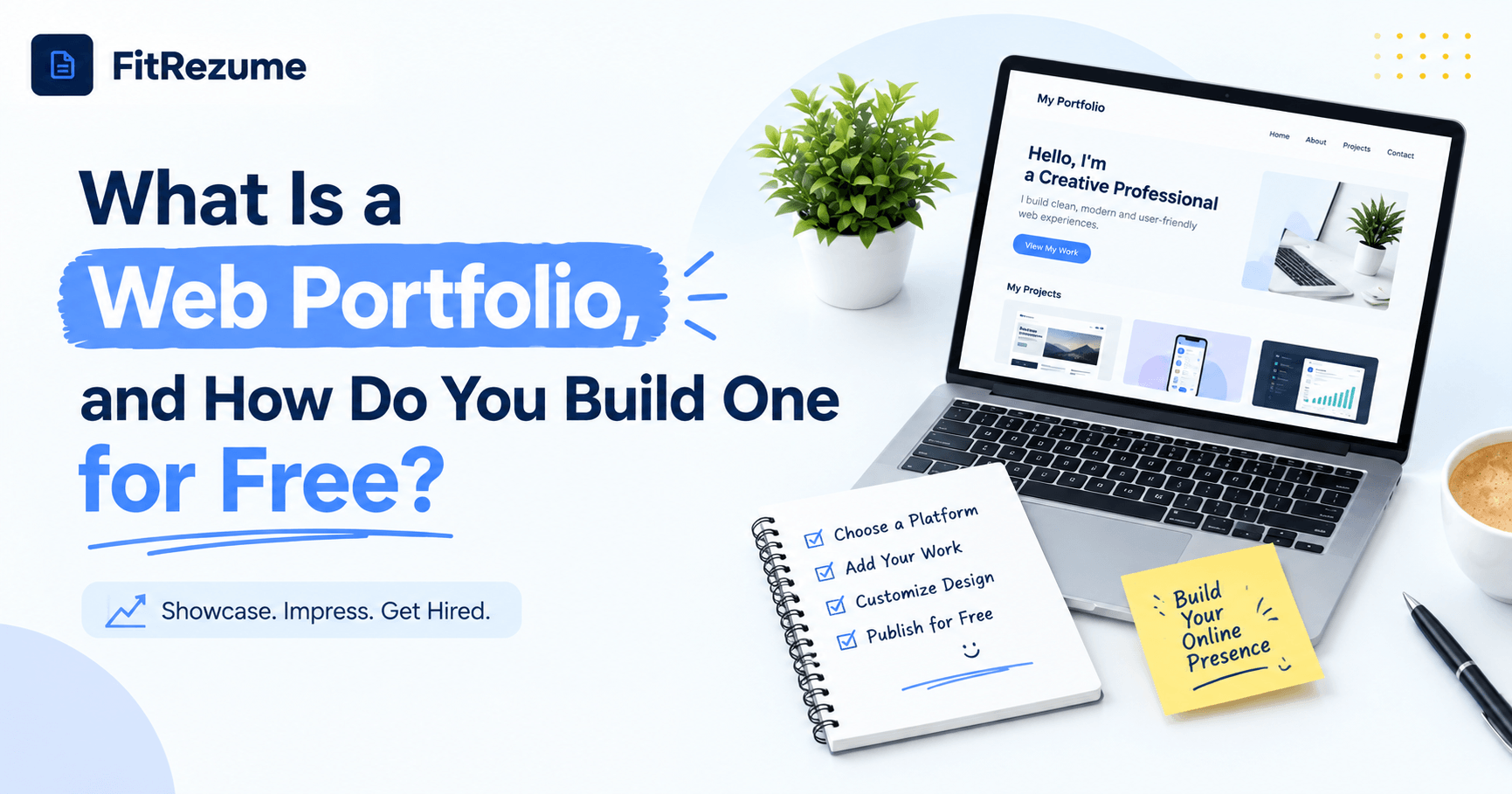
So what exactly is a web portfolio, and why does it matter for your job search? In simple terms, it is a personal website that brings your best work, skills and contact details together so employers can judge you at a glance.
You don't need a big budget to build one. A free portfolio website maker lets you create a polished site in an afternoon, with no coding and no designer fees. This guide covers what to include, the steps to follow and where AI can genuinely help.
What Is a Web Portfolio and How It Can Help You Get Started?
A web portfolio builder online in India is a simple website that collects your best work in one place. Think of it as a resume you can click through. It holds your name, a short bio, selected projects, proof of results and a way to contact you.
It isn't the same as a resume or a LinkedIn profile. A resume is a short summary, and LinkedIn is a network. A web portfolio is the one space where you control the story, the layout and what gets seen first.
Recruiters like it for a simple reason: it saves them guesswork. Research shared by Nominet found that 88% of HR professionals are more likely to hire, or move ahead with, a candidate who shows their experience through a portfolio. Yet only 31% of the graduates surveyed had an online portfolio.
A Format survey of hiring professionals adds a useful warning. A portfolio is rarely mandatory, but a polished one helps you stand out, while a messy one can hurt. So the aim isn't owning a page. The aim is owning a good one.
Who needs one? Designers, developers, writers and video editors almost always do. Marketers, analysts, HR executives and students can use one to turn vague claims into visible proof.
Web portfolios come in a few common shapes. A one-page site works for freshers with limited work to show. A multi-page site suits designers and developers who need separate case studies. A blog-style portfolio fits writers who publish regularly and want readers to scroll through their latest pieces.
A fresher who writes "managed a college fest page" sounds ordinary. The same fresher with a screenshot showing reach growing from 800 to 5,000 in two months sounds hireable. That's the difference a portfolio makes.
Starting with a no-cost tool also makes sense because your first version will change. You'll swap projects, rewrite your headline and fix layout issues. Paying upfront for something you'll rebuild in three months rarely pays off.
Can a Free AI Portfolio Maker Replace the Need for Manual Work?
Short answer: it can speed things up, but it can't replace you. A free AI portfolio maker can draft a headline, suggest a layout and turn rough bullet points into a short case study. That removes the blank-page problem, which is where most people stall.
What it can't do is know your real story. If you feed it vague input, you'll get vague output. Use it for first drafts, then add your own numbers, tools and decisions.
Here's a quick test. Read the AI-written text aloud. If it could describe anyone, rewrite it. Specifics such as "cut onboarding time from 5 days to 3" always beat polished but empty phrases.
How to Use a Web Portfolio Builder Online Free of Cost in Five Steps?
Building one doesn't need to take weeks. With a free portfolio website maker, most people can get a clean version live in a day or two, as long as they follow a clear order.
Here's a simple five-step process:
Define your goal: decide which job or client you want, since that decides which projects you show
Pick three to five projects: choose work that matches the goal, not everything you've ever made
Write short case studies: cover the problem, your role, the tools and the result in about 150 words each
Choose a clean template: keep two fonts, one accent colour and plenty of white space
Add contact details and publish: include a resume link, then test the page on your phone
Step one matters most. A fresher aiming for content marketing roles should show blog posts and a social campaign, not a coding assignment. A clear goal makes every other choice easier.
Case studies are where most pages fall flat. Instead of writing "designed a logo", explain what the client needed, what you tried and what changed afterwards. Even a small result, like 12% more enquiries after a new landing page, gives the story weight.
Resist the urge to decorate. Animated backgrounds and heavy images slow the page down and distract from your work. A plain, readable page leaves a better impression on someone reviewing 50 profiles in a single sitting.
Platforms like FitRezume bring your CV, LinkedIn review and portfolio into one place, so you don't build each piece in a different tool and then try to make them match.
Set a timer to stay realistic. Two hours for choosing projects, two for writing, one for design and one for testing adds up to six hours. That's enough for a first version that recruiters can actually open and read.
What to Look For in a Free Portfolio Maker Before You Sign Up?
Not every tool deserves your time. Check these basics before you invest hours in one:
Mobile view: open the draft on your phone first, because plenty of recruiters check links between meetings
Loading speed: a page that crawls will lose a busy reader within seconds
Clean link: a short, readable URL looks better on a resume than a long string of random characters
Easy editing: you should be able to swap a project in under 10 minutes
Light branding: heavy tool logos make your work look like a template
Clear limits: check what's locked behind a paid plan before you build anything
Create one dummy project first and see how the editor behaves. If it feels clumsy in the first 20 minutes, it won't get better later.
Privacy deserves a minute too. Make sure you can hide your phone number or home address if you would rather share only an email. A contact form or a professional email address is usually enough.
Where an AI Portfolio Maker Plan Helps and Where It Falls Short?
Free plans are generous at the start and stricter later. Many cap the number of pages, hide features or add the tool's branding to your site. That's fine for a first version, but know the limits before you put the link on a resume.
Plans also differ on exports and custom links. If the tool lets you connect your own domain later, that is a bonus, but don't let it hold up your launch.
AI helps most with three jobs: drafting copy, suggesting structure and tidying language. Think of it as an assistant that writes rough notes, not a professional who knows your career.
It falls short on originality, accuracy and personality. Recruiters see hundreds of near-identical, AI-written pages. Pages with real numbers, honest context and a human voice stand out. Also check every fact, because AI can state things you never did.
Let AI handle: first drafts of project summaries, headline options and grammar checks
Handle yourself: results and numbers, the reasoning behind each decision and a final read of every sentence
A sensible split is about 70% your input and 30% AI polish. You supply the facts, and the tool supplies the speed.
Using a Web Portfolio Builder Online Free to Keep Your Page Fresh
Publishing is the start, not the finish. Add the link to your resume header, LinkedIn featured section and email signature so every route leads to the same page. With online portfolio maker, you can keep your ATS-friendly CV, LinkedIn profile review and portfolio aligned, so a recruiter sees one consistent story.
Update the page every quarter. Add one new project, refresh your headline and check each link. It takes around 20 minutes and keeps the page current.
Mention a project in every application. For example: "I built a budgeting dashboard that cut month-end reporting by two hours, and here's the case study." That gives the recruiter a reason to click.
Track what happens. If you send 30 applications and get two replies, change your headline or featured project and compare the next 30. Small tests show you what works.
Ask one friend or mentor to review the page every few months. Fresh eyes spot unclear sentences, broken buttons and projects that no longer fit your goals.
Conclusion
A web portfolio is a simple site that proves your skills with real work, and recruiters notice when you have a good one. You don't need a big budget or design skills to start. You need three strong projects and a clear page.
Pick a free portfolio website maker, use AI only for the first draft and show clear results. When you want your CV, LinkedIn and portfolio working as one, FitRezume is a practical place to begin.
Frequently Asked Questions
What is a web portfolio?
It is a simple website that shows your best projects, skills and results in one place for recruiters and clients.
Is a web portfolio different from a resume?
Yes, a resume is a short summary while a web portfolio shows the actual work behind your claims.
Can I build a web portfolio without coding?
Yes, template based tools let you add text, images and links without writing any code.
How many projects should I include?
Three to five relevant projects with short case studies work better than a long list of average ones.
Does AI-written content hurt a portfolio?
Not if you edit it, add real numbers and make sure every claim is true.